 Casino
  Promos
  Sign Up
  Search
 Discover
  Jackpot
  All Games
 SpinShark Casino Login and Registration
As soon as your account sets sail, you’ll be able to start browsing through our 5000 game selection, make balance top-ups, and use promotional offers. Upon registration and making a deposit of at least £20, you will automatically receive the match 150% up to £900 + 150 free spins with no promo code required. As part of our effort to streamline the entire process from sign-up through SpinShark login and verification, players should expect to go from registration to gameplay within just a few minutes.
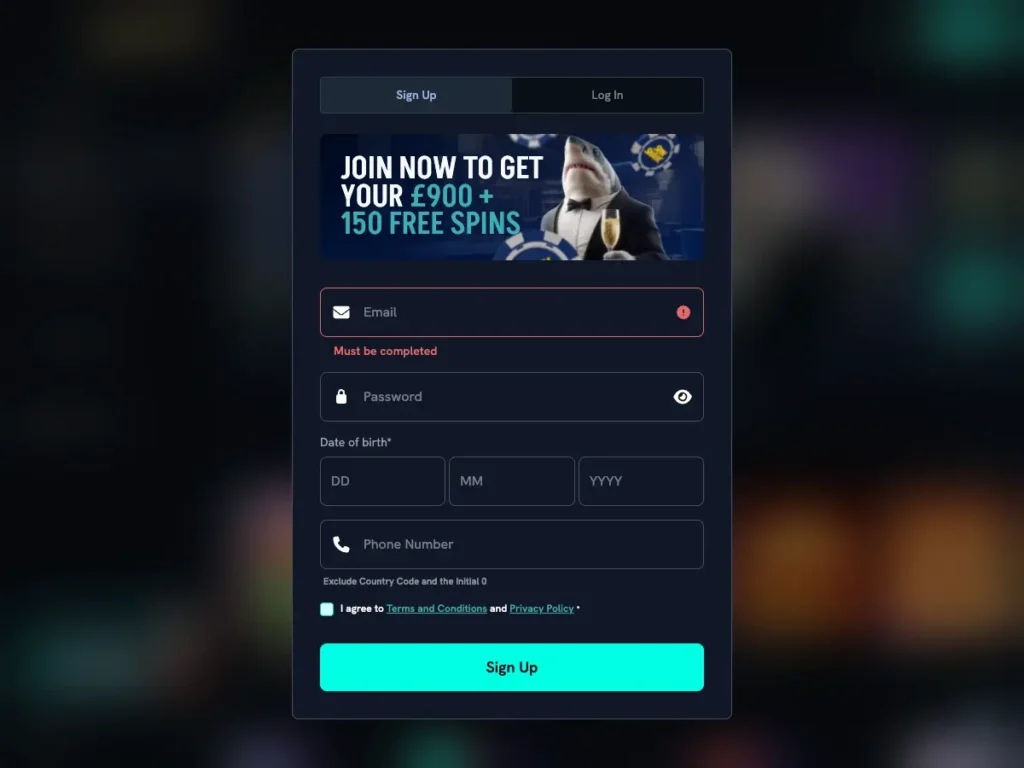
SpinShark Casino Sign Up
Our sign-up process should take no longer than a few minutes. All we ask is that you provide some very basic information about yourself when filling in the registration form. The steps to create an account are as follows:
- Press the “Join Now” button in the top-right corner of the home page.
- Fill in your email address, phone number, date of birth, and other details (ensure that the information provided at this time is correct).
- Then put in a password (make sure it’s unique and secure).
- Check that you are over 18 years old.
- Read and accept Terms and Conditions before submitting the casino SpinShark register form.
Once you’ve completed these steps, you will land on the deposit page. This will allow you to unlock the welcome offer and begin playing games right away. We have made this process to be easy to use, but secure and compliant with all applicable UKGC laws and regulations.
You cannot have more than one account. Do not make duplicate accounts. Not only will they be closed, but your related winnings will be removed as well.
SpinShark Login Guide: How to Sign In
The Spin Shark login process is designed with security in mind. Logging in will allow you to complete access to your current gameplay, bonus offers, payment options, and available balance. Follow these simple steps:
- Click on “Log In” at the top of the home page.
- Enter e-mail address and password.
- Access account – it will open immediately.
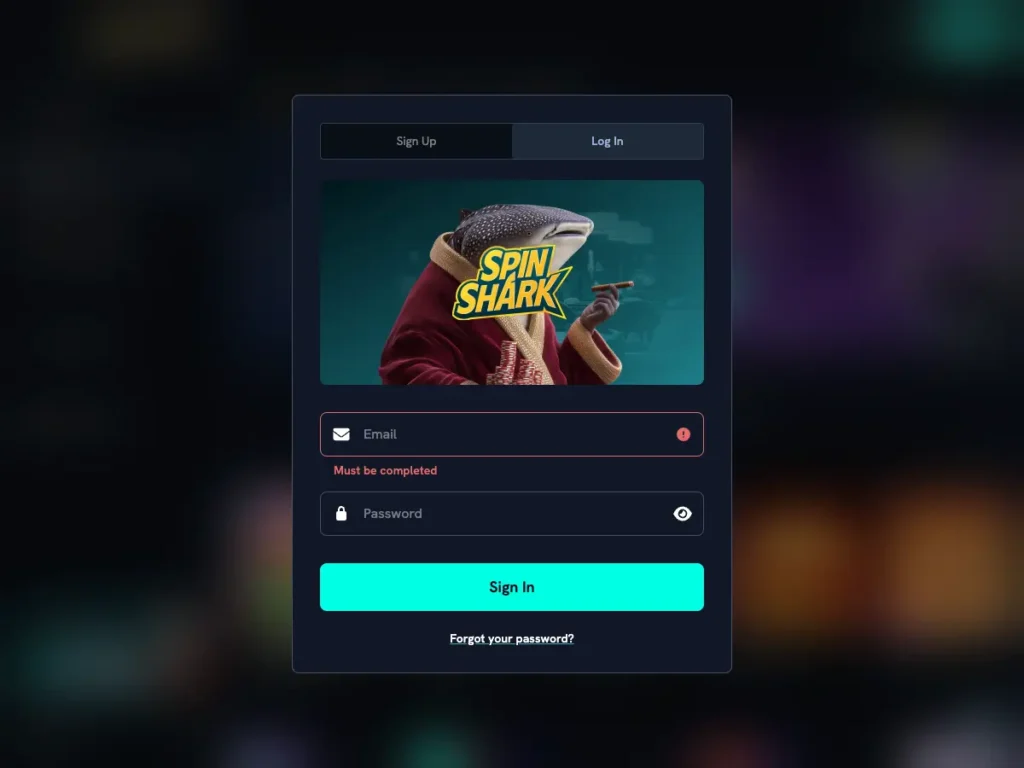
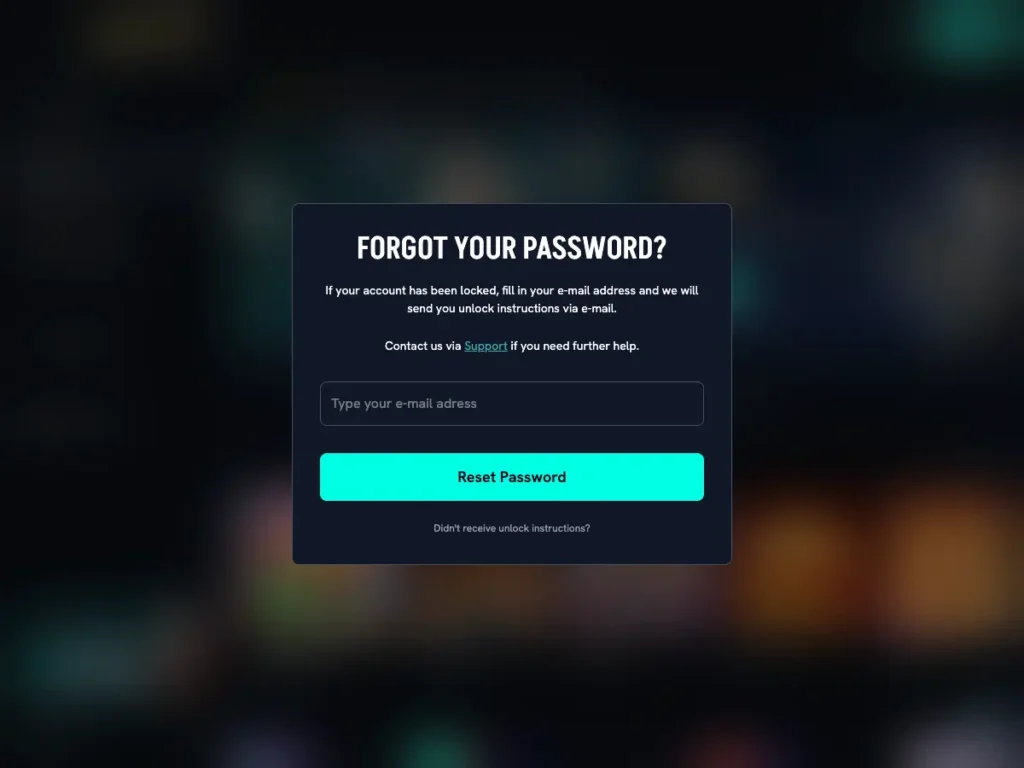
Maybe you’ve forgotten your password. Don’t worry. You can reset it with ease. All you need to do is go to the SpinShark Casino login page and click “Forgot Password.” Follow the instructions given via email that will provide you with a secure link to regain access to the account. For your own safety, all idle session accounts may be automatically logged off. Additionally, any suspicious login attempts may require additional verification steps before you gain access to your account and money.
Spin Shark Login via Mobile App
You can register and log in to your account by using a smartphone or tablet to access the site. The application has been developed as a responsive web design that will adapt perfectly to all types of mobile devices. No need to download any app. Here’s how to get started:
- Access casino via your mobile device.
- Hit “Join Now” and fill out the Spin Shark register form.
- Press “Create Account”.
- Confirm Terms & Conditions to complete the Registration.
- If you’re already registered, simply click “Log In” and enter login information (email and password).
Since your account is synchronized between your desktop computer and/or other mobile devices, you may always switch between them as needed. All titles and features can be accessed on mobile devices. When registering with us via your phone/tablet, you are presented with the same registration/login options as those available to PC users.
SpinShark Verification of Account: Required Documents
You will have to provide documentation that verifies identity as well as proof of residence and payment details (e.g., utility bill, bank statement, etc.). This process is done through SpinShark casino account. After uploading files/documents in this area, you will be able to track the verification progress.
As for proof of identity, you will be asked to provide government-issued ID such as a driving licence or passport. Payment verification requires uploading a copy of banking records. We must know:
- Who you are (driver’s licence/passport)
- Where you live (bank statement/utility bill)
- How you fund your account (record from bank/screenshot)
You may wonder why Spin Shark casino verification is necessary. We require KYC to create a compliant environment for you to withdraw money and conduct other types of transactions.
Sign Up Bonus Activation
Once registered, you will be able to take advantage of the welcome offer using a minimum deposit amount of £20. It will be activated automatically, without any promo codes to enter. After making an initial deposit, you will be given 150% match up to a maximum of £900 + 150 free spins. Meaning if you decide to opt in with £600, you will end up with £1500 to play with. Keep in mind though, this is your deposit plus bonus cash, which you still need to wager before any payouts are possible!
When it comes to weekly promotions, you will be required to enter a promo code when making a deposit. This is needed to activate them. Therefore, after completing the casino SpinShark registration process, you should always read the Terms & Conditions relating to a particular promotion.
How to Delete Account at casino Spin Shark
To protect yourself when closing the account, we offer an easy-to-use and safe method. Just like the SpinShark Casino sign up process, deleting account will ensure that all information is processed safely and securely. The steps to remove the account are as follows:
- Get in touch with one of the customer support team members (via live chat or email).
- Have your identification verified and confirm that you would like to deactivate.
- Withdraw all the money you have.
- Once your account has been closed, you will receive an email stating so.
Key Points of T&Cs
During Spin Shark registration, you agree to the terms and conditions, which set out the framework for the functioning of the site and what we expect from users. Some key parts of our T&C’s are:
- We only allow one account per user.
- Wagering requirements apply to bonuses.
- Minors (players less than 18 years old) are not allowed to gamble on the site. We reserve the right to check your age at any time.
- In order to verify a player’s account, casino management can request documents (utility bills, ID, bank statements, etc.) written in either the Latin or Cyrillic alphabet. In the event that a player is unable to produce documents in these languages, casino management reserves the right to request a video SpinShark verification, whereby the player will show casino management documentation on camera.
- If an account has had no login activity for 12 consecutive months, it will be considered inactive. A monthly maintenance fee of £10 will be charged to any dormant account with a positive balance.


