 Casino
  Promos
  Sign Up
  Search
 Discover
  Jackpot
  All Games
 Spin Shark Casino App: No Download Needed
Instead of bulky apps and constant updates, our browser-based SpinShark app gives instant access to an entire library of 5000+ slots, table games, jackpots and many others. Enjoy a fully optimized, storage-friendly experience that puts thousands of high-payout titles and no-brainer account controls right in the palm of your hand. All you need is to quickly add casino Spin Shark app bookmark to homescreen and here we tell you how to do it.
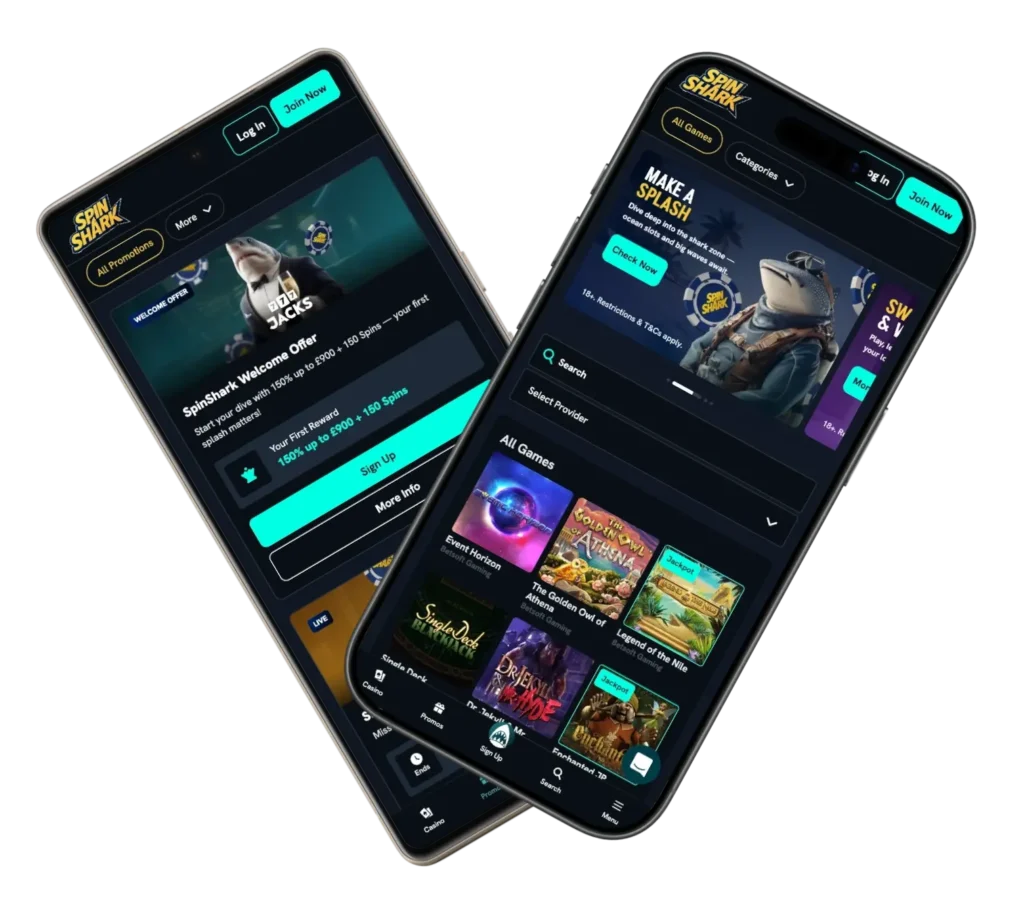
How to Access and Start Playing SpinShark Mobile Casino
Spin Shark mobile casino makes it easy for users to get started. No download required. Simply access site via your web browser on a smartphone or a tablet. The following are simple steps to start playing at the mobile version:
- Access the SpinShark website via browser – When you enter the platform via your phone/tablet, it will automatically switch over to display the mobile version.
- Register or log in – If you’ve registered with us before, then you can log in to your account immediately; otherwise, you need to join by completing a registration form.
- Explore the casino titles – You’ll see a menu which allows you to search for games by category or provider.
- Fund your account and get started – To start playing with real money, navigate to the Cashier area, where you can select how you want to fund account and withdraw winnings or bonus money.
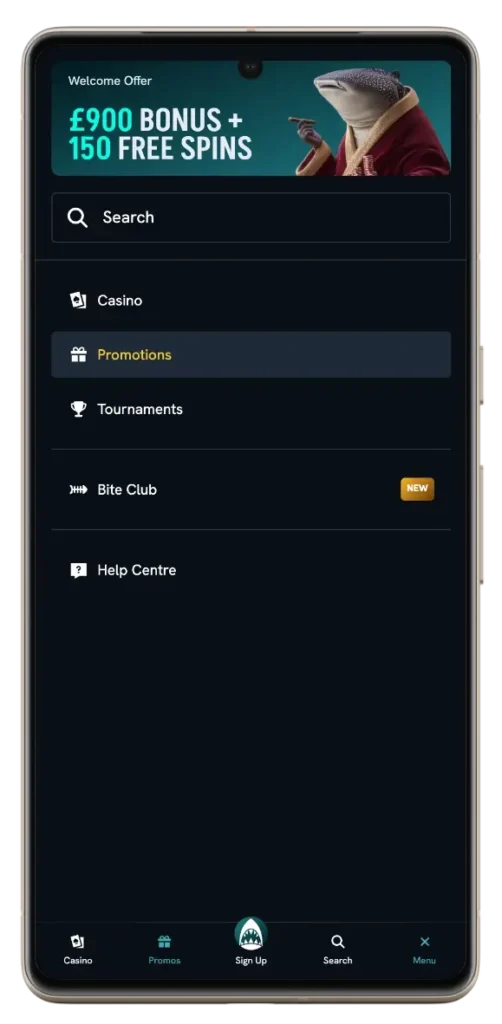
Android Access: Browser Play and Home Screen Shortcut
Maybe you prefer casino sessions on Android devices. If so, you’ll be able to access our platform through a browser. No need to download any APK file, so you will not have to install the SpinShark Casino app. The platform will automatically adjust to whatever screen size and/or device capabilities you are using. Once at the site, you may either log in with your existing account or sign up for a new one. Additionally, you can also quickly start accessing casino features by adding it to homepage, where you have the option to create a shortcut like an “app” icon.
iOS Access: Safari, iPad & iPhone Home Screen Guide
On an iPhone or iPad, with Safari or any other modern mobile browser, we made sure to have the website running perfectly well either way. You don’t actually have to install the app on a personal iOS device. Navigate to the official website instead. Then log in or sign up. Also, you may add the URL to your home screen. It will act as a one-touch launch of casino Spin Shark that features an application-like interface.
Supported Devices and Compatibility
Our website works seamlessly on various devices. So, you will have maximum freedom in choosing where they want to play. You can choose to access it through either their mobile or desktop. Your gameplay will be consistent. As mentioned above, downloading and installing the SpinShark Casino app is not required.
| Device Type | Key Features |
|---|---|
| Smartphones (Android & iOS) | Aside from touch-optimised gameplay, it offers fast loading and full functionality |
| Tablets | Smooth navigation + larger screen (compared to phones) |
| Desktop (PC/Mac) | Full-featured interface with advanced filters |
| Webview / PWA-style | You can enjoy app-like access via a browser shortcut |
Spin Shark platform uses modern HTML5 technologies. So, no matter what device you use, it will always allow the games to operate properly without any additional browser plug-ins.
SpinShark Mobile App Interface and User Experience
SpinShark mobile platform was created using a simple and organized design that allows for fast access to various games. We used categorization (slots, jackpots, live casino, etc.) as well as smart filtering so you can easily search for your favorite titles from your preferred provider, theme, and the like. Responsive design makes the platform adjust automatically. Thus, it makes sure all menus, buttons, and game elements are scaled correctly for whatever screen size you have. Whether you use a phone or tablet, each casino feature will fit your screen thanks to the mobile-friendly interface.
Account Registration and Deposit
Mobile registration doesn’t involve downloading the Spin Shark Casino app. To sign up through your mobile device, follow these simple steps:
- Press “Join Now”
- Provide basic information
- Create a strong password
- Select desired currency
- Confirm account (a confirmation link will be sent via email)
- Fund your account
Once registered, you will be able to make deposits directly from your mobile device using different payment options. These methods include bank cards, e-wallets, crypto (e.g., Bitcoin, Dogecoin, Ethereum, Litecoin, Tron) and direct bank transfers.
The Spin Shark app system has been fully optimized for mobile transactions so that all transaction types (deposits, withdrawals and bonus activations) are fast and secure. Deposits are typically instant. You will not be able to deposit less than £20. The maximum amount will depend on the payment option you choose.
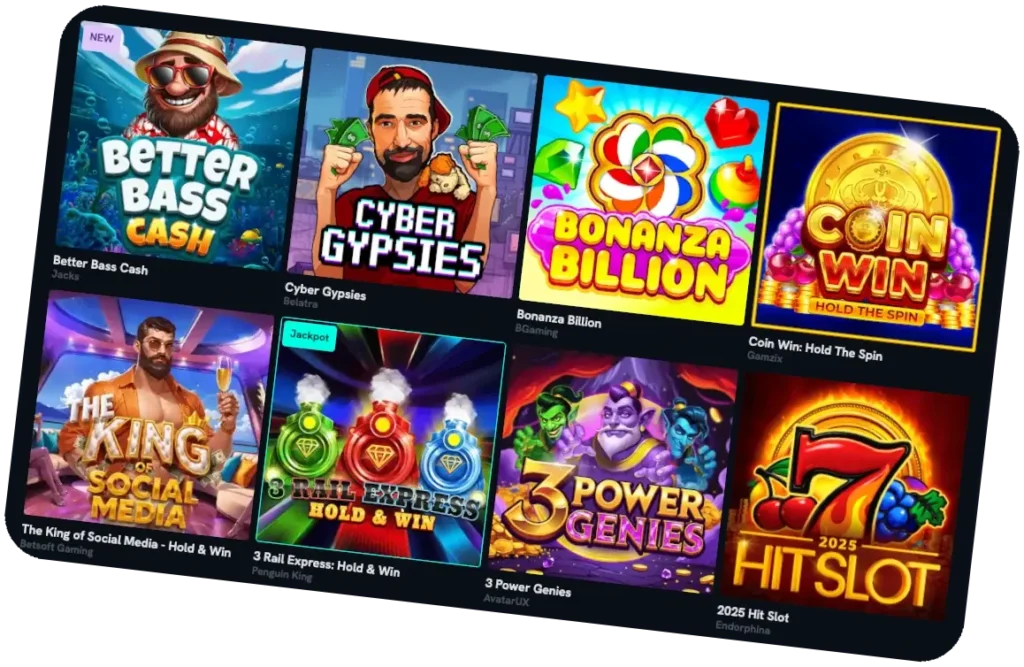
Benefits of Using Our App
Mobile version provides a number of benefits. First, there isn’t an APK file (i.e., SpinShark Casino app) to load or updates required. This will save you space in your phone’s memory and allow you to instantly get into the most recent version. Second, we have built the mobile platform to be quick, simple to use, with the quickest loading times possible and the best controls available.
Last but not least, you can do everything you want to do (bonus rounds, deposit/withdraw money, etc.) using your phone just like you would when playing on a computer. You will be able to sign up and log in, play live and other games, get bonuses and promotions, manage payments, and much more.
Bonuses for Spin Shark Mobile App Players
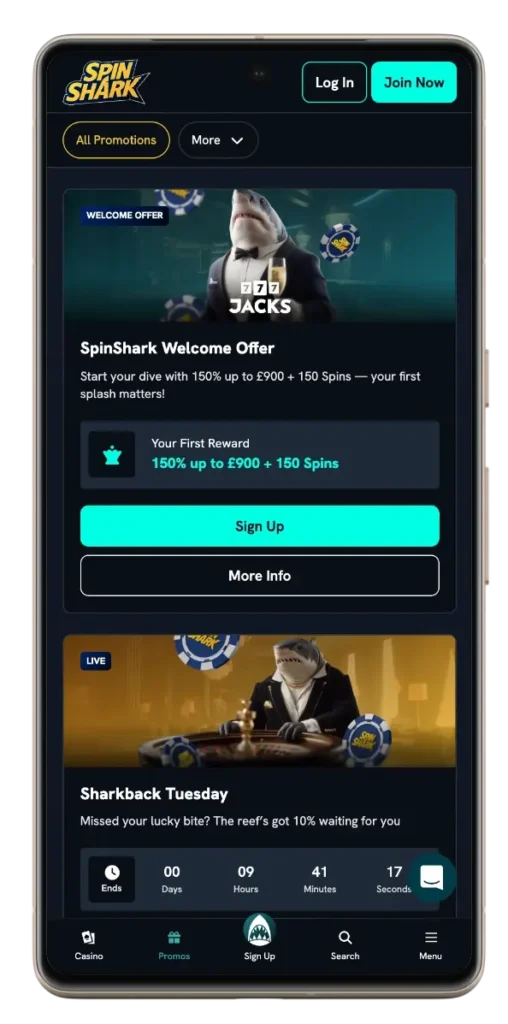
We want our mobile users to take advantage of every promotion as desktop users do. For this reason, we offer 150% welcome bonus of £900 + 150 free spins to everyone who uses a mobile device to log in and who makes a qualifying deposit of £20. In addition to the welcome offer, there are also challenges, reloads and tournaments. These bonuses at SpinShark app include the following:
- Fin-tastik Monday – Begin your week off right by receiving a 50% bonus up to £250 and 30 free spins. These rewards can be earned on Hot Money Slot. Minimum deposit is £30.
- Sharkback Tuesday – You will be rewarded with a 10% cashback on your last deposit of the previous week, every Tuesday. It’s available on any live game. The maximum cashback is £500; the minimum amount is £10.
- Reefmates Thursday – Choose between 3 offers: 25 free spins (for a £20 deposit), 40% up to £40 + 10 FS (deposit £30), and £20 cash bonus (with a deposit of £50).
- Bubbly Friday – Deposit £30 or more on Fridays. This will make you qualify for 60 free spins on selected slots.
- Weekend with a bite – For the entire weekend, you can take advantage of an 88% match-up bonus to a maximum of £88.
- Baby Shark Sunday – For making a deposit every Sunday, receive an extra £10.
SpinShark Casino App Security and Data Protection
We use an array of security features for completely safe gameplay. Spin Shark mobile version has SSL encryption to protect private and financial data. That’s not all. We have implemented account verification and monitored activity for protection against fraudulent transactions. Our trusted payment providers protect both deposits and withdrawals, allowing you to feel confident when making any transaction on your mobile device at all times.


